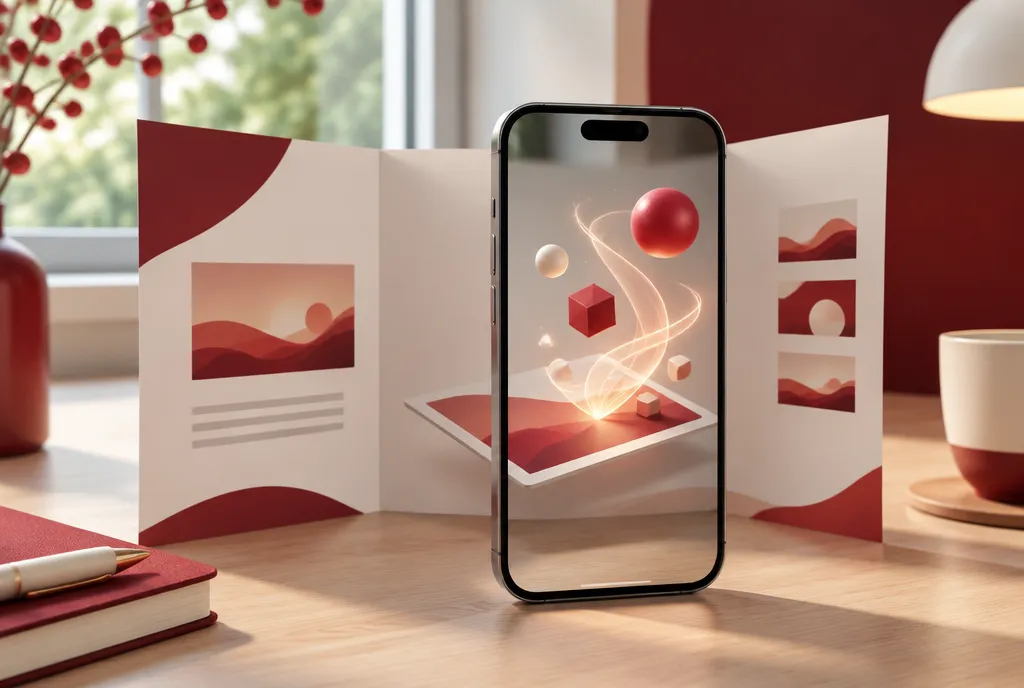
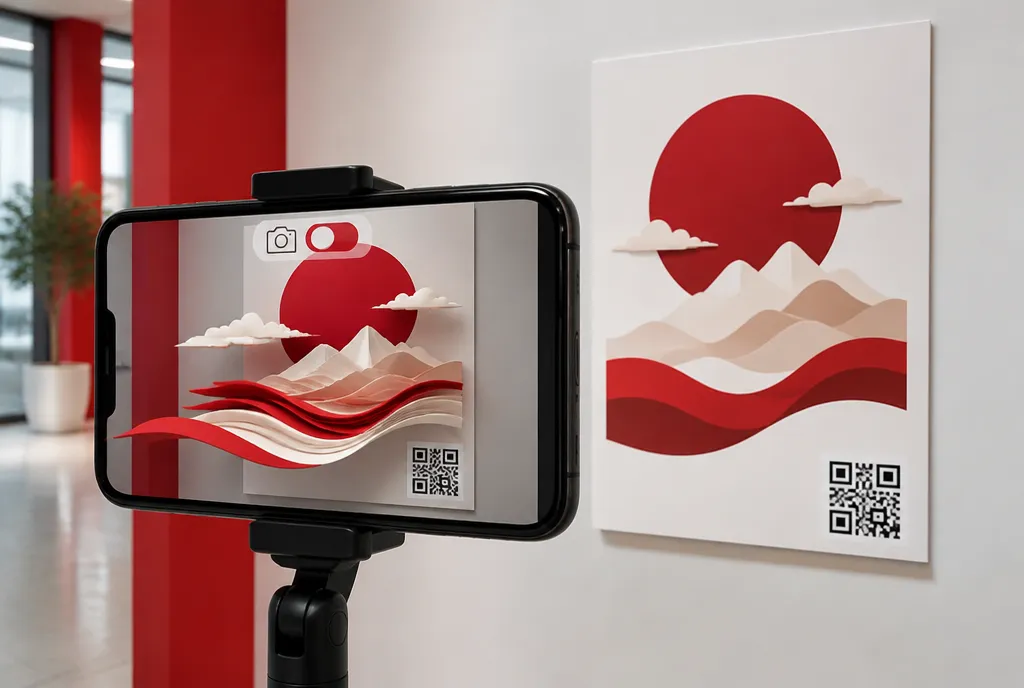
No. Web-based augmented reality, often called web AR or WebAR, runs in the phone's browser. Your customer scans a QR code with their phone camera, allows camera access, and points the phone at the printed image. The experience plays right away, with nothing to download or install.
Why "no app" matters
Asking people to download an app before they can see your campaign loses most of them. Many people already have more apps than they use, and few will install one for a single poster or package. Brands have noticed. Marketing Dive reported in 2024 that Jones Soda dropped a separate app for its labels and moved the experience to the browser, and that Chobani chose a browser-based approach for the same reason.
How web AR works, step by step
1. Scan. The customer opens the phone camera and scans the QR code on your brochure, label, card or wall.
2. Allow the camera. The browser asks for camera access. This is the only permission needed.
3. Point. The customer points the phone at the printed image. The phone recognizes it and plays animation, music, 3D effects and narration on top of it.
One QR code can cover up to 10 images, so a single code works for a whole brochure, product range or exhibit.
Is it safe to scan?
People are right to be careful with QR codes in public places, since scammers sometimes stick fake codes over real ones. Codes on something the customer received directly, such as a brochure, a gift or a product they bought, are the trusted case. Web AR only asks for camera access. It does not ask people to log in or enter payment details.
Which phones does it work on?
Web AR runs in the standard browser on modern iPhones (Safari) and Android phones (Chrome). Your customer does not need a special device or an account. Because it works like an augmented reality web app, there is nothing to update or uninstall later.
Web AR examples
- Heritage tour. At Rizal Park, visitors scan a QR code at each of 10 stations and watch animated scenes from Dr. Jose Rizal's final days.
- Museum dioramas. At Ayala Museum, 27 historical dioramas play animation, music and narration on visitors' own phones.
- Brochures and posters. A printed page plays a product explainer. See AR for brochures and posters.
- Packaging. A label plays a how-to video or recipe. See AR for labels and packaging.
More are in our success stories.
How long does an experience stay live?
This is a fair question. In 2026 a major web AR platform announced it was shutting down, and brands that had printed its codes had to find a new home for their experiences.
With ScarletBox, your experience stays live for as long as your subscription is active, and you can pay monthly or annually. The printed QR code keeps working the whole time. You can also change the content behind the same code, so a new season or message does not mean a reprint.
What you can track
ScarletBox clients get monthly reports showing views for each image, the average number of seconds people watched, and whether they used iPhone or Android. Learn more about our augmented reality services.
Frequently asked questions
Do you need an app for augmented reality?
No. Web AR runs in the phone's browser. Customers scan a QR code with their camera, allow camera access and point the phone at the image.
Does web AR work on any smartphone?
It works in the standard browser on modern iPhones and Android phones, with no special device or account needed.
Can we put our own branding on the experience?
Yes. ScarletBox experiences are fully white labeled, so your logo and colors appear on screen with no third party branding.
See it for yourself. Scan the QR code on our homepage and point your phone at the red box, or book an AR demo.
Related Articles